
StbEmu (Pro) is an Android application that emulates selected IPTV set-top boxes, including MAG-family devices, so Android phones, tablets, and TV boxes can load compatible web portals. It is not an IPTV subscription, does not provide channels, and does not support M3U playlists. The Google Play listing says it includes a demo portal for testing, while real use requires configuration for your own IPTV provider.
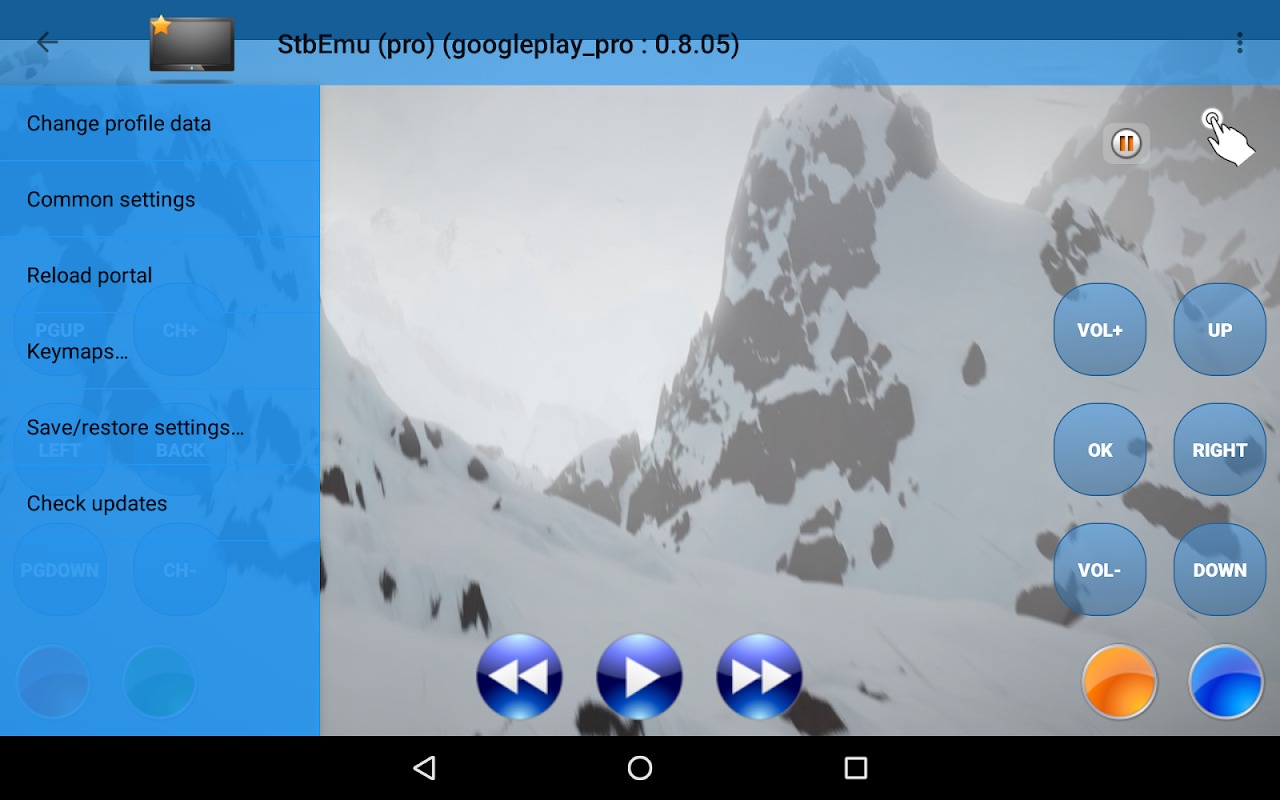
As of July 14, 2026, Google Play lists version 2.0.22, more than 100,000 downloads, and an update focused on fixing “Application not responding” problems and crashes. My take: StbEmu Pro is a specialized tool for experienced portal users, not a plug-and-play streaming app.
What is StbEmu Pro used for?
StbEmu Pro emulates an IPTV set-top box environment and connects to compatible MAG-style portals. It does not sell or host IPTV content.
Official documentation names devices such as MAG 250, MAG 270, and MAG 322 and states that users must have legal rights to the content they access.
Its profile system is unusually detailed. A profile can store a portal URL, proxy, STB model, firmware information, user agent, screen resolution, MAC address, serial number, Device ID, signature, hardware details, player settings, and UDPXY options. For advanced users, that flexibility is the app’s biggest strength.
Does StbEmu Pro support M3U playlists?
No. StbEmu Pro does not support M3U or other playlist formats. It is designed for portals made for MAG-type boxes.
If all you have is an M3U URL, this is the wrong tool. In my view, this is the most important fact to know before paying because “IPTV app” is much broader than what StbEmu actually does.
What stands out in StbEmu Pro Android?
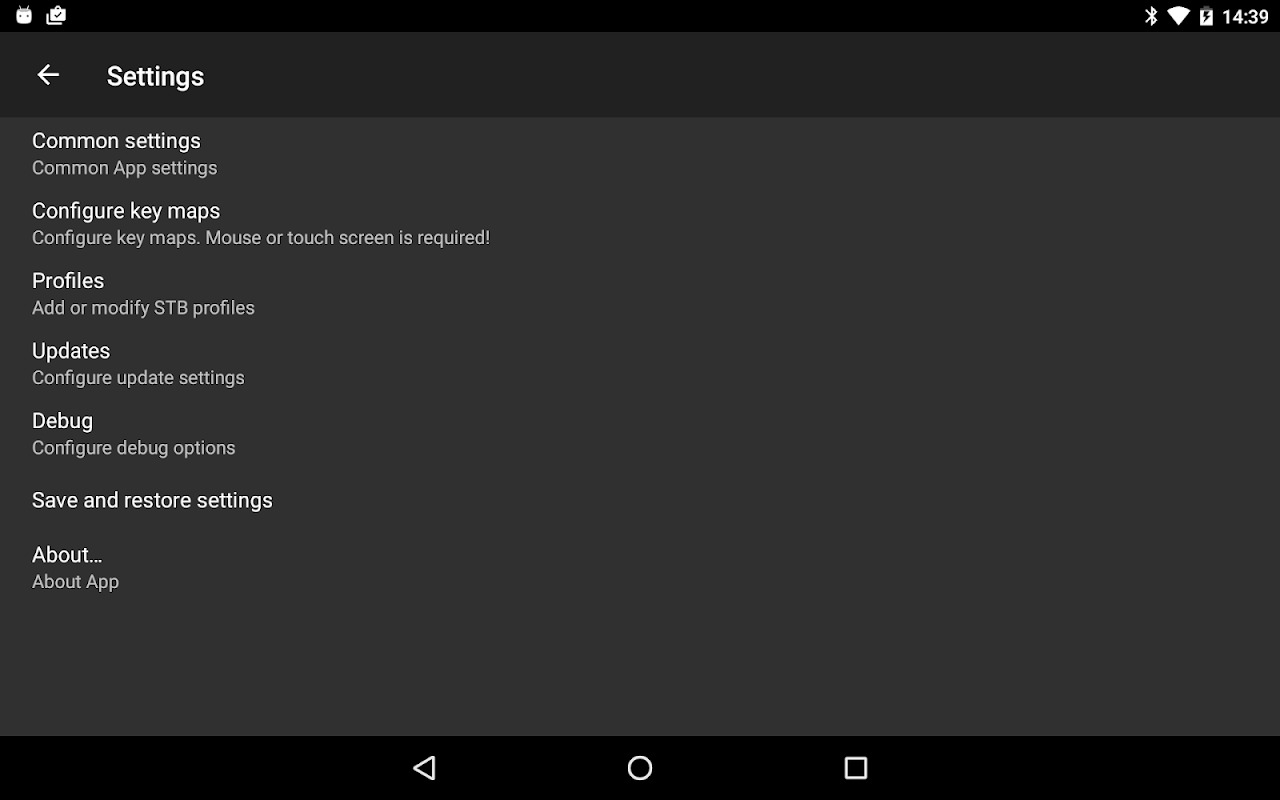
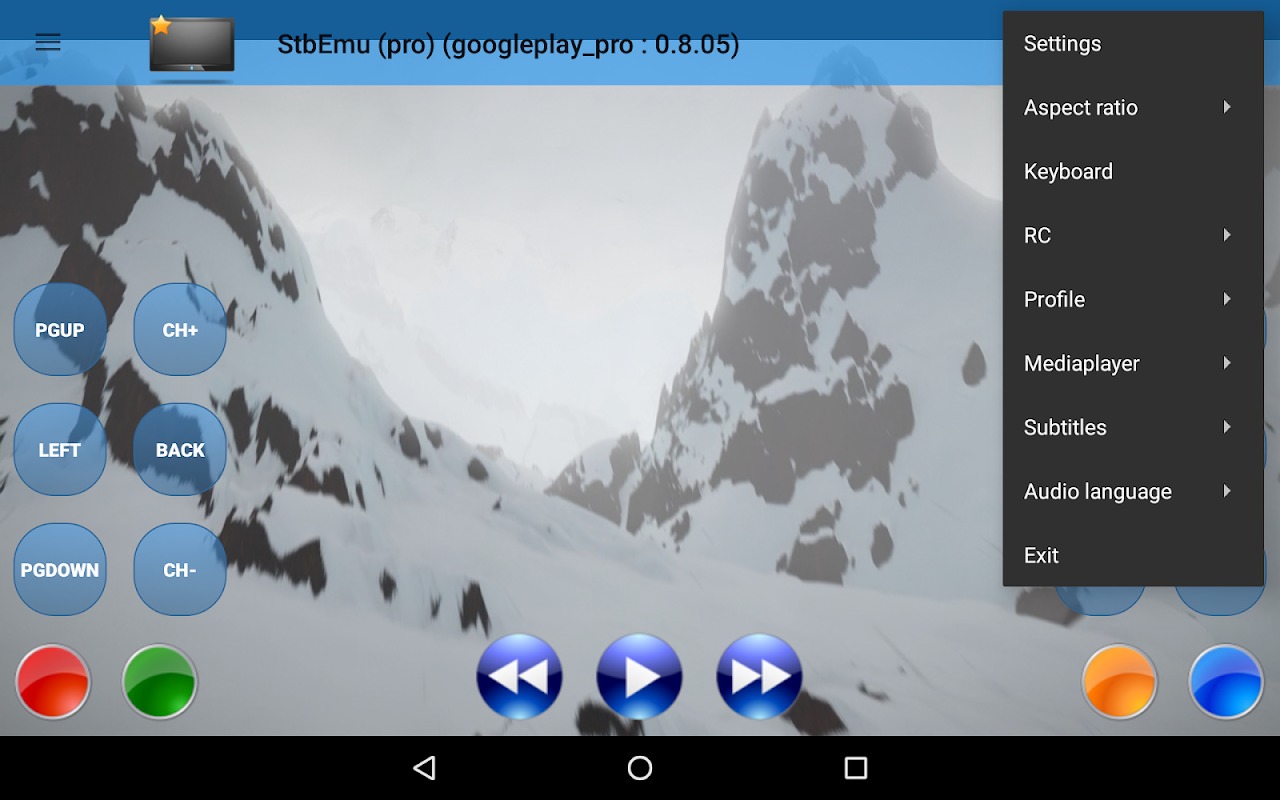
The Android version stands out for deep STB emulation, multiple profiles, remote-control mapping, Android TV options, and configurable playback.
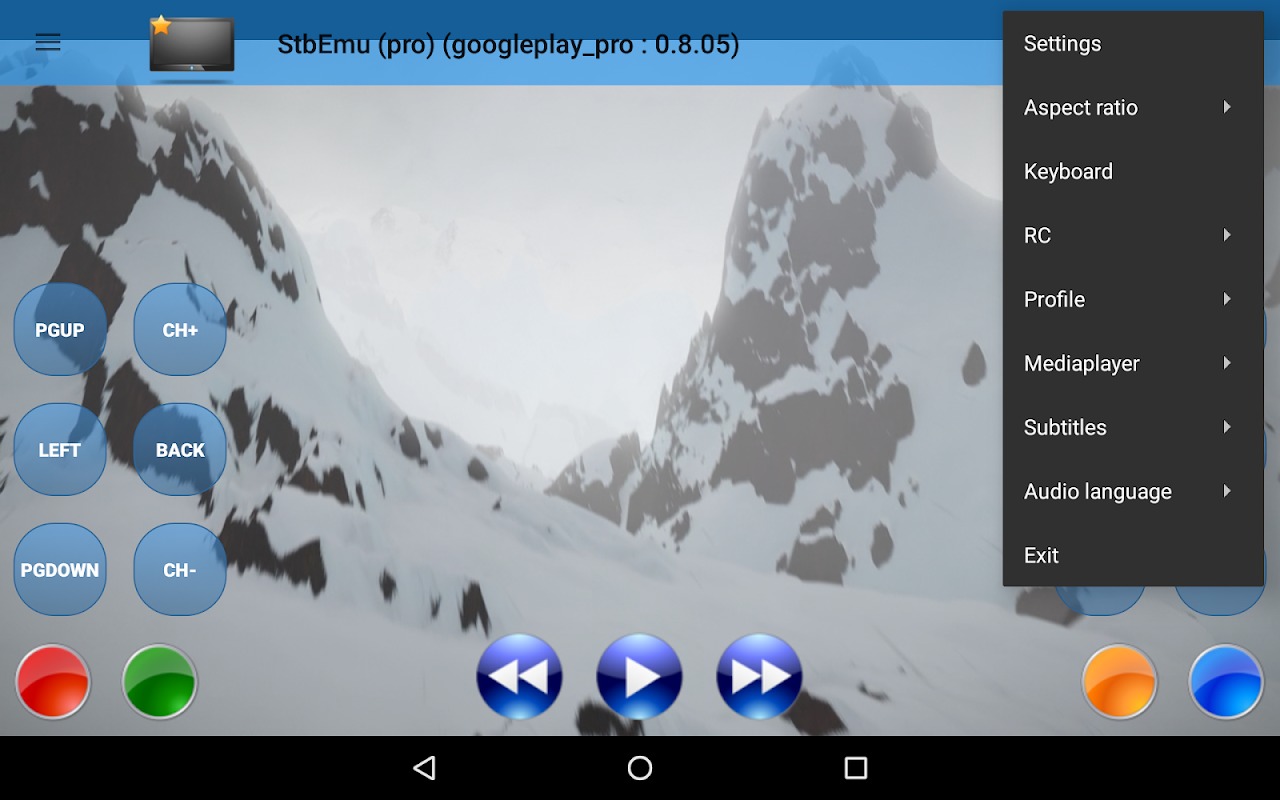
Users can keep different portal profiles on one device. StbEmu also supports remote key mapping, auto-start after boot, Android TV recommendation cards, browser scaling, and a network cache that defaults to 20 MB.
The profile documentation lists Exo, VLC, MPV, Internal, and External playback options. Because parts of the wiki lag behind newer releases, I would verify the player list inside the current app before making compatibility claims.
Is there a StbEmu Pro iOS or Mobile version?
Official StbEmu documentation describes an Android app, not an official iOS edition. “StbEmu Pro Mobile” therefore most reliably means the Android phone or tablet version.
I would be cautious with sites advertising a StbEmu Pro iOS download unless the developer confirms one. The documentation still says Android 7.0+, but Google Play’s v2.0.21 changelog says minimum support increased to Android 8. For a 2026 review, Android 8+ is the safer figure.
Is StbEmu Pro APK safe to download?
The safest route is the official Google Play release. I would avoid a StbEmu Pro APK from an unknown APK, MOD, or “Pro unlocked” site.
The official download page sends users to Google Play for both Pro and Free editions. An unofficial APK can be modified, re-signed, outdated, or bundled with unwanted code, so you lose the cleanest chain of trust.
Google Play says the app may collect and share app activity, app information and performance, and device or other identifiers; data is encrypted in transit. The privacy policy also identifies Google Play Services and Firebase Crashlytics as third-party services.
What are the pros and cons of StbEmu Pro?
I see StbEmu Pro as powerful but deliberately technical. Its value depends heavily on whether you already have a compatible portal.
Pros
- Deep MAG/STB profile configuration.
- Multiple portal profiles.
- Android TV and remote-control features.
- Several playback choices.
- Pro removes advertising, according to official documentation.
Cons
- No M3U support.
- No IPTV subscription or channels included.
- Setup can be difficult; Google Play describes the app as intended for experienced users.
- Backup and restore can be problematic on Android 11+ devices.
- Some official documentation is not synchronized with newer releases.
Is StbEmu Pro worth using in 2026?
Yes, if your provider uses a compatible MAG-style portal and you want detailed control over the emulated STB. No, if you mainly want an M3U player or a streaming service that includes channels.
Version 2.0.22 shows active maintenance in 2026, especially around crashes and responsiveness. For me, the app makes the most sense when you already know why you need STB emulation.
FAQ
Is StbEmu Pro the official app name?
No. The official Google Play name is StbEmu (Pro). “StbEmu Pro” appears to be a search spelling variation.
Does StbEmu Pro include free IPTV channels?
No. The developer says it does not provide, host, or index media, playlists, or streaming portals.
Can I use an M3U link with StbEmu Pro?
No. Official documentation explicitly says M3U and other playlists are not supported.
Would I install a StbEmu Pro APK?
Personally, I would use Google Play because that is the download route linked by the developer.
Is StbEmu Pro beginner-friendly?
Not really. Google Play warns that configuration can be difficult for users who have never set up IPTV boxes.
DOWNLOAD LINK


Choose the appropriate version for your device.
 LastWave App Review 2026: Is This Android Music Player Worth Sideloading?
 NBA 2K HQ Review: The Head Start That Asks for Your Login
 Notability: AI Note Workspace
 Delta Exploits