
Notability: AI Note Workspace is a cross-platform app that combines handwriting, typed notes, PDF annotation, audio recording, transcription, and AI study tools. It is available on Android, iPhone, iPad, Mac, and the web, although Apple currently lists it as “Notability: AI Notes & Planner.” Its standout feature is synchronized audio: users can tap part of a note and return to the matching moment in a lecture or meeting. The app can also transform notes, PDFs, and recordings into summaries, quizzes, flashcards, and fill-in-the-blank exercises.
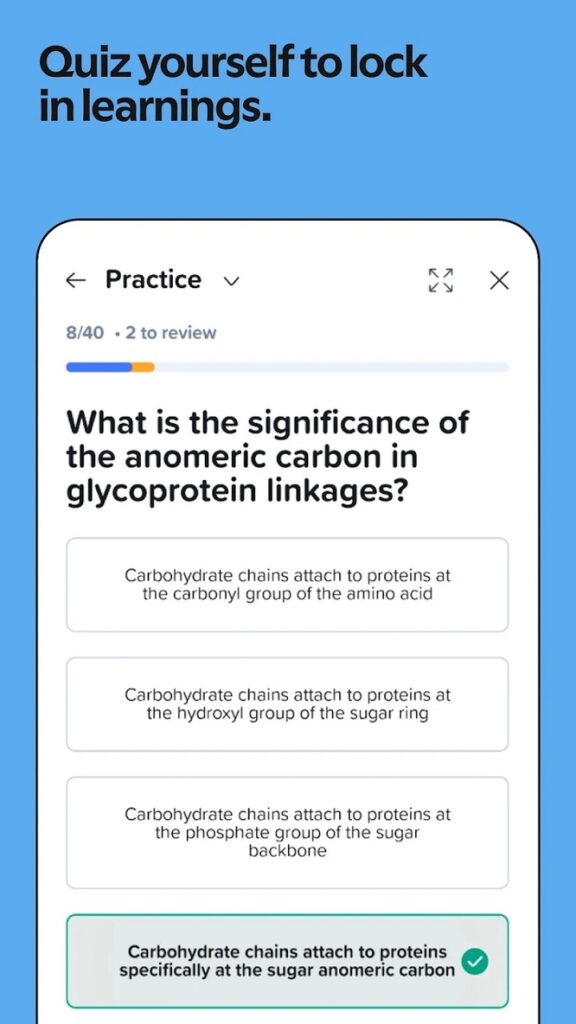
My view is positive for students and professionals who regularly mark up documents or record spoken information. The free tier works for testing, but frequent users will likely need a paid plan for unlimited notes and advanced AI. As of August 2026, Google Play showed 100K+ Android downloads, while the US App Store showed a 4.8 rating from about 452,000 ratings.
This review answers five common questions:
- What does Notability do?
- How useful is its AI?
- Does it work on Android and iOS?
- Is the free version enough?
- Who benefits most from the mobile app?
What does Notability: AI Note Workspace do?
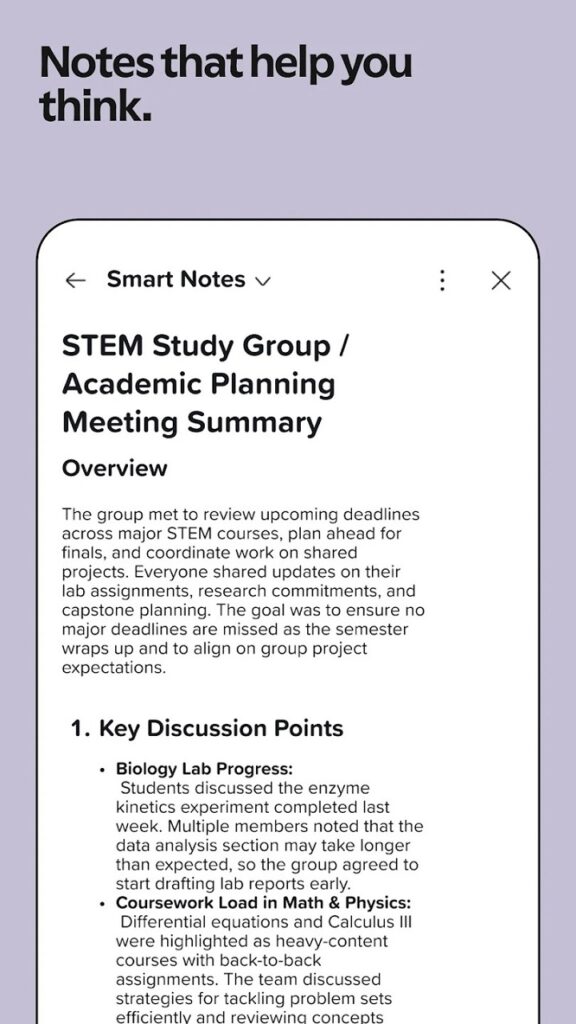
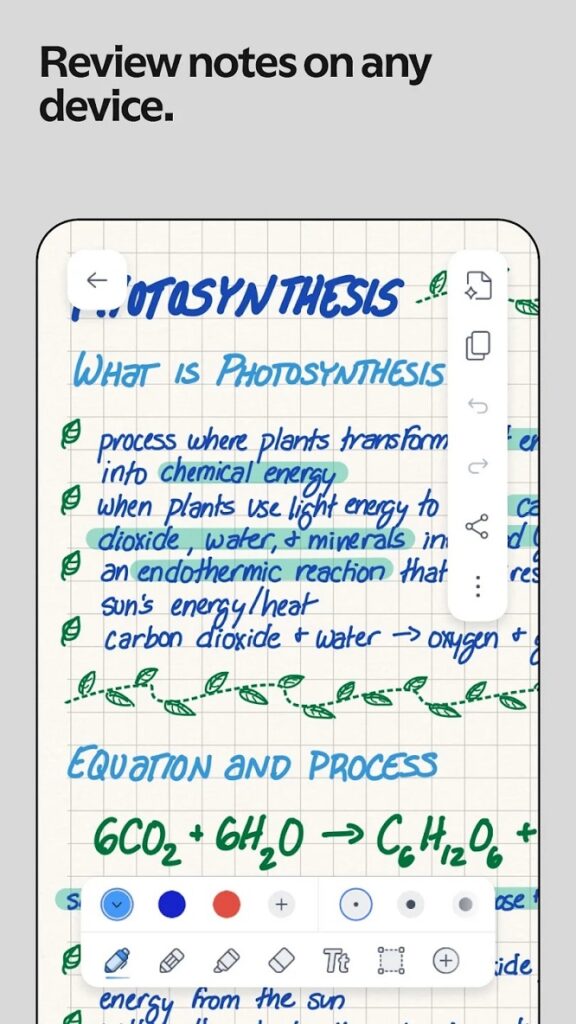
Notability works as a digital notebook, document markup tool, audio recorder, and study assistant. Users can combine handwriting, typed text, images, sketches, diagrams, and imported files on one page.
You can import PDFs, documents, presentations, lecture slides, and forms, then highlight or write directly on them. The app organizes material with folders and subjects, searches handwriting, text, transcripts, and PDFs, and exports notes as PDFs.
For meetings and classes, Notability synchronizes recorded audio with what you write. To me, that is more useful than decorative templates because it restores context behind rushed notes.
How useful are Notability’s AI features?
Notability Learn can create summaries, quizzes, flashcards, fill-in-the-blank exercises, explanations, and note-based chat responses. These tools work from notes, PDFs, or recordings and are most valuable when the source material is detailed.
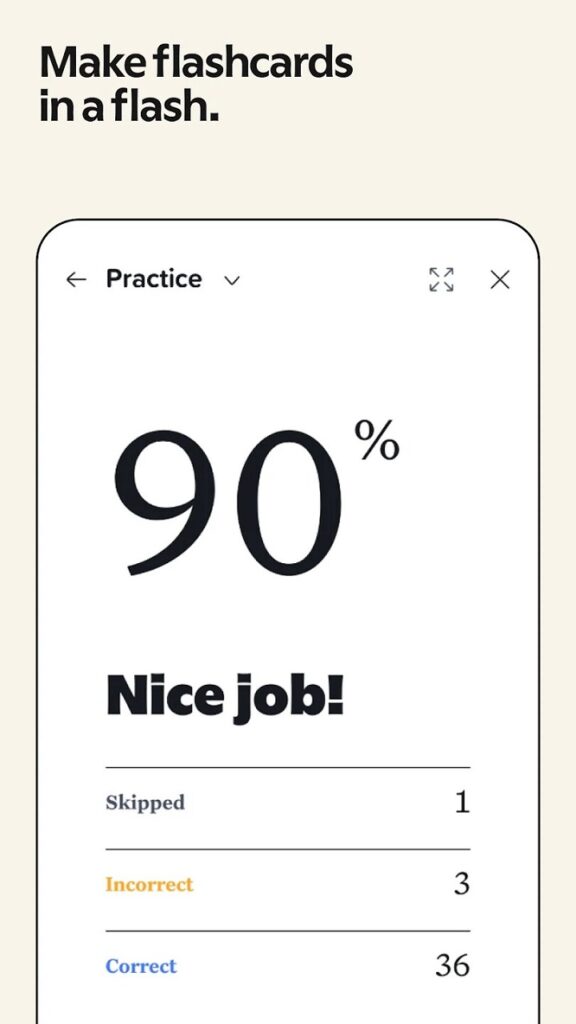
A practical workflow is straightforward:
- Import lecture slides.
- Add handwritten comments.
- Record synchronized audio.
- Generate a summary and quiz.
- Ask the note to explain a concept.
This reduces app switching and makes Notability feel like an AI workspace. However, generated quizzes may differ from the source, so verify formulas, definitions, and exam-critical facts.
Is Notability available on Android, iOS, and mobile?
Yes. Notability: AI Note Workspace is available on Android, while Apple users can use it on iPhone, iPad, Mac, and Apple Vision. Notes are also accessible through the web and Notability’s cloud system.
The Android version launched in August 2026 after roughly two years of development. It adds rainbow and glitter pens, Android Notes role support, and cross-device cloud access. Google Play listed an August 4, 2026 update.
On Apple hardware, the current listing requires iOS 17.0, iPadOS 17.0, or macOS 14.0 and reports a 433.4 MB download. I would choose an iPad with a stylus for handwriting, while phones remain better for reviewing, searching, recording, and quick edits.
Is the free version enough?
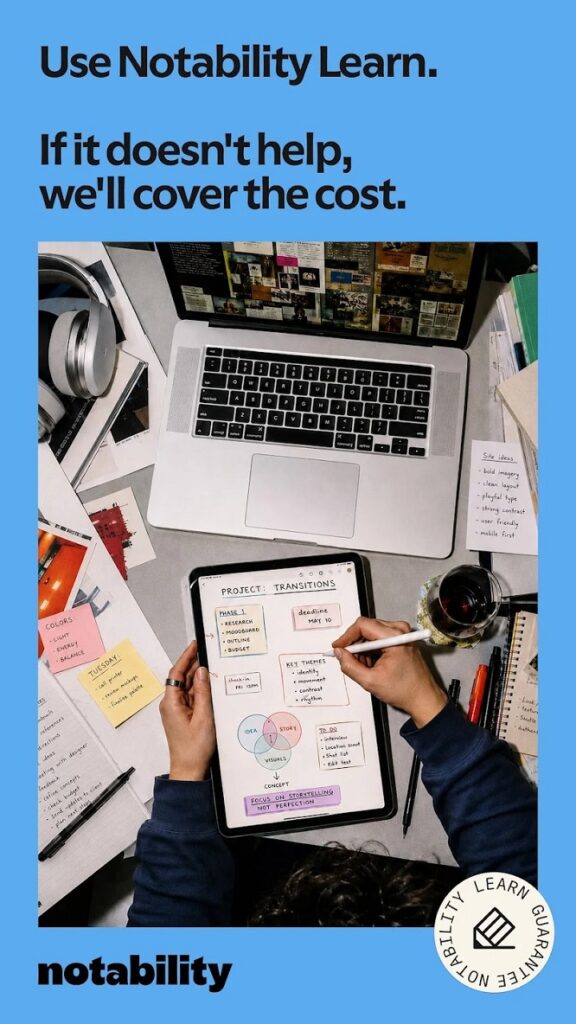
The free Starter plan is suitable for evaluation, not heavy use. Notability’s official pricing page currently lists five free notes; paid tiers add unlimited notes, backups, AI allowances, handwriting search, transcription, and longer version history.
The page lists annual US prices of $11.99 for Lite, $15.99 for Plus, and $79.99 for Pro, while noting prices may vary. Pro adds unlimited transcription, summaries, quizzes, flashcards, and note chat. Check the in-app checkout because purchase options differ.
My advice is to test handwriting, PDF import, and one real recording before paying. Upgrade only when audio replay or AI review clearly saves time.
What are the main strengths and drawbacks?
The biggest strength is the integrated workflow; the main drawback is that the most attractive features require paid tiers. Users should also review platform-specific privacy disclosures before storing a complete academic or professional archive.
Strengths
- Handwriting, typing, PDF markup, and audio in one app.
- Search across ink, transcripts, text, and documents.
- Multiple AI study formats.
- Android, Apple, and web access.
- A 4.8 App Store rating and Editors’ Choice recognition.
Drawbacks
- Five free notes is restrictive.
- Advanced AI and live transcription depend on paid access.
- Generated study material requires fact-checking.
- Apple and Google show different privacy disclosures.
Who should use Notability: AI Note Workspace?
I recommend Notability to students, teachers, researchers, consultants, and meeting-heavy professionals. It is less compelling for people who only need plain text notes or simple checklists.
For users aged 18–40, it works best when phone, tablet, computer, and browser share one workflow. My verdict: its advantage is how AI, ink, documents, and audio work together.
Suggested internal link anchor texts
- best note-taking apps for students
- how to annotate PDFs on a tablet
- AI study tools for exam preparation
- Android handwriting apps compared
- digital note-taking workflow for meetings
Frequently Asked Questions
Is Notability: AI Note Workspace worth using in 2026?
Yes, in my view, it is worth testing if you annotate PDFs, handwrite notes, or record lectures and meetings. The connected audio, ink, search, and AI workflow is more capable than a basic notes app.
Is Notability: AI Note Workspace Android as good as iOS?
The Android app covers the core experience and adds Android-specific pens and Notes role support. I would compare stylus performance on your device before moving a large archive.
Does Notability: AI Note Workspace iOS require a new device?
Not always, but the current listing requires iOS or iPadOS 17.0 or later. I would verify compatibility before subscribing.
Can I use Notability: AI Note Workspace Mobile for free?
Yes, but I see it mainly as a trial because Starter currently allows five free notes. Frequent users will probably need Lite, Plus, or Pro.
Would I trust Notability’s AI for exam answers?
I would use it for practice, not as the final authority. Important answers should be checked against the original source because generated quiz content can differ.
DOWNLOAD LINK


Choose the appropriate version for your device.
 LastWave App Review 2026: Is This Android Music Player Worth Sideloading?
 NBA 2K HQ Review: The Head Start That Asks for Your Login
 StbEmu Pro
 Delta Exploits