
Games & AI are changing how developers plan, build, test, and release video games. Artificial intelligence cannot reliably create a polished commercial game from one prompt, but it can remove repetitive work that once consumed hours or days. Developers now use AI to organize ideas, draft code, explain errors, create prototype assets, animate characters, automate testing, translate content, and design more responsive non-player characters.
The 2026 State of the Game Industry survey reported that 36% of more than 2,300 game professionals were using generative AI at work. Among those users, 81% applied it to research or brainstorming, 47% to coding assistance, 35% to prototyping, and 22% to testing or debugging. Only 5% used AI for features directly experienced by players. This suggests that AI currently creates the most value behind the scenes rather than replacing the people responsible for creative direction.
Source: GDC, State of the Game Industry 2026.
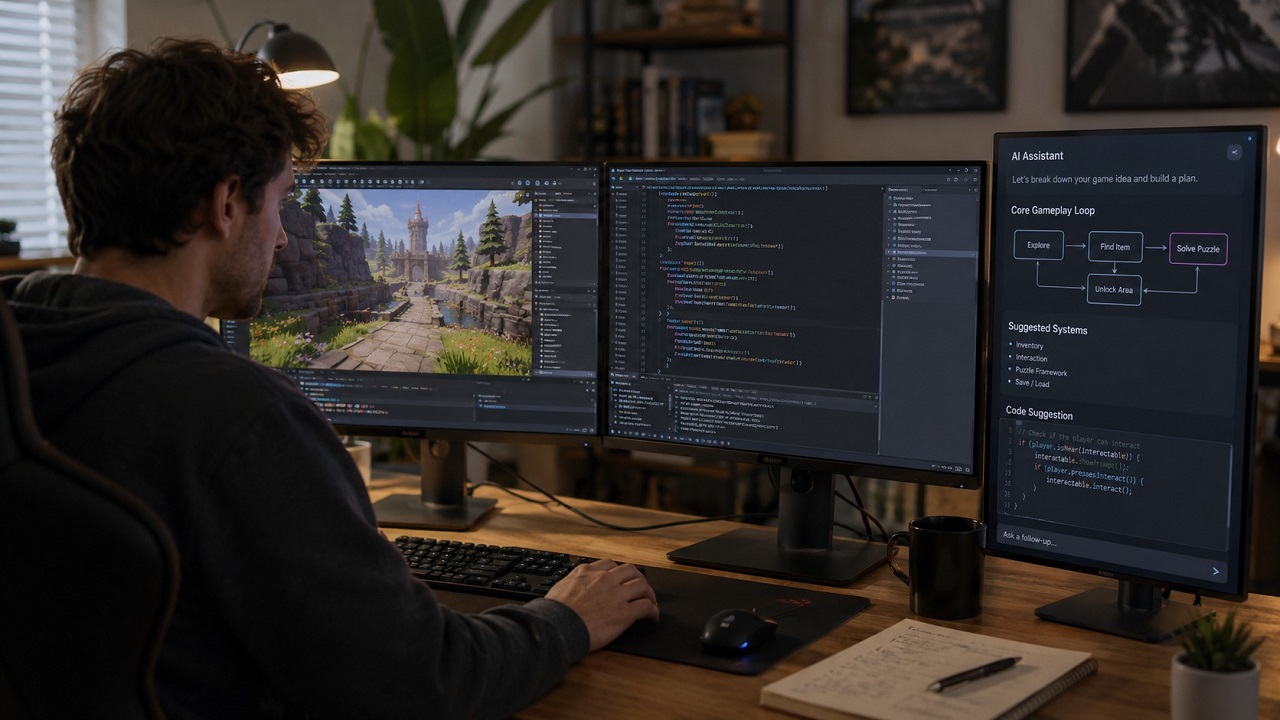
In my opinion, AI works best as a production assistant. It helps developers reach a playable prototype faster, while humans remain responsible for game design, technical architecture, visual identity, balance, and final quality.
This article answers four practical questions:
- Where does AI save game developers the most time?
- Can AI support coding, art, animation, and NPC design?
- How does AI affect Android, iOS, and mobile game development?
- What risks should developers consider before release?
How Does AI Help Developers Plan a Game?
AI helps developers turn a rough concept into a structured production plan. It can suggest gameplay loops, character systems, progression mechanics, enemy types, quests, and prototype tasks.
Imagine a developer wants to create a survival game set on a floating city. An AI assistant can propose resource systems, weather mechanics, crafting rules, enemy concepts, and a two-week prototype roadmap. Those suggestions are not automatically good design, but they give the developer a useful starting point.
Unity AI shows how this workflow is moving directly into game engines. Its Assistant includes Ask, Plan, and Agent modes, allowing developers to ask project questions, create implementation plans, and perform controlled actions inside the Unity Editor.
From my perspective, this is more useful than a separate chatbot because the AI can work with project context instead of producing generic advice that must be manually adapted.
How Does AI Make Game Programming Easier?
AI coding assistants are most effective at boilerplate code, explanations, documentation, refactoring suggestions, and first-pass debugging. They are less reliable when a task depends on complex architecture, multiplayer synchronization, undocumented systems, or strict performance limits.
Tools such as GitHub Copilot, Unity AI, and Roblox Assistant can help developers create or modify scripts more quickly. Roblox Assistant can also edit objects inside Roblox Studio, generate materials, and automate changes across multiple objects.
However, generated code should never be accepted without review. GitHub warns that AI suggestions may appear correct while containing errors, security problems, or behavior that does not match the developer’s intention.
My preferred workflow is:
- Ask AI to create one small, testable component.
- Review every function and dependency.
- Test the component inside the game engine.
- Profile memory, frame time, and networking.
- Rewrite anything the team cannot explain or maintain.
AI can make programming more accessible, but developers still need to understand the code they publish.
Can AI Create Game Art and Animation?
AI can create concept images, textures, interface mockups, materials, visual references, and temporary props. These assets are especially useful during prototyping, when developers need speed more than final production quality.
For an independent developer, AI-generated placeholders can make it easier to test composition, user interfaces, environments, and visual styles before hiring artists or producing final assets.
AI also supports character animation. Epic Games’ MetaHuman Animator can generate facial and body animation from video, mobile capture, depth data, or recorded audio. This can reduce manual lip-sync and facial-animation work for teams with limited budgets.
I would not recommend placing every generated asset directly into a finished game. AI images and 3D models may have inconsistent styles, unsuitable topology, poor optimization, or unclear usage rights. Human artists are still essential for creating a recognizable and coherent visual identity.
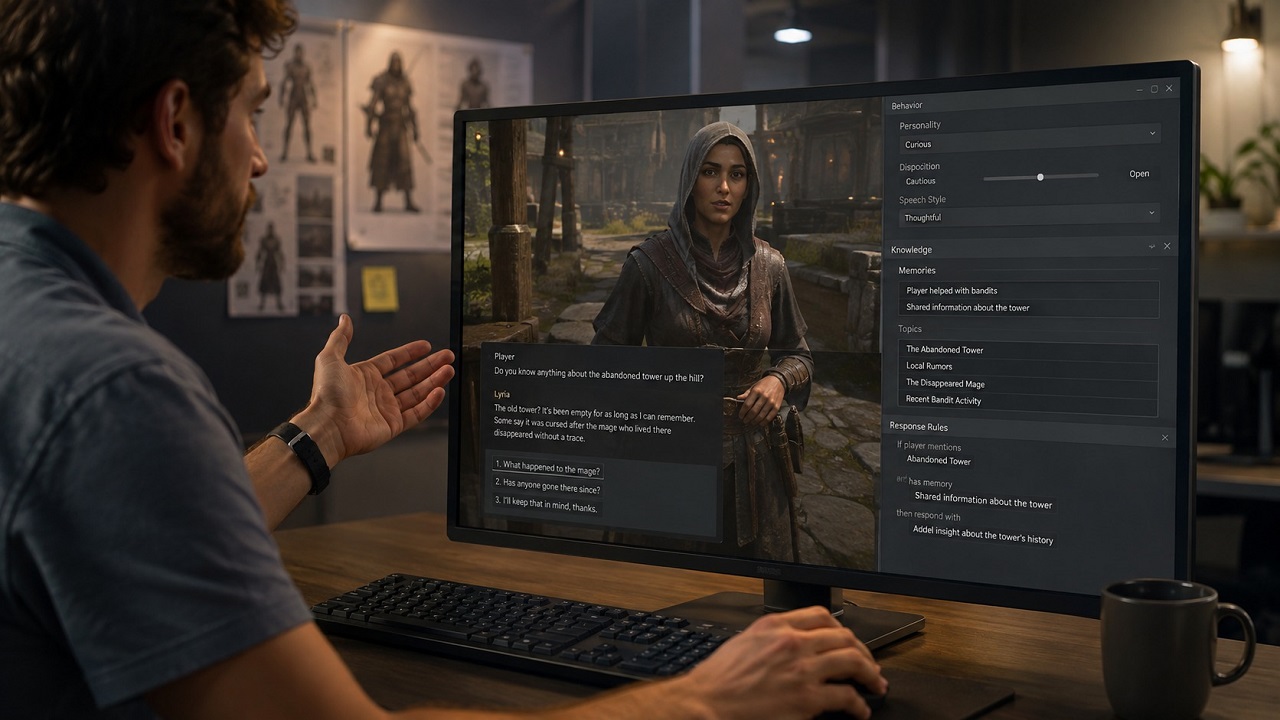
How Are AI-Powered NPCs Different?
AI-powered NPCs can respond more naturally than characters controlled only by fixed dialogue trees. They may remember previous interactions, access game-world knowledge, react to changing conditions, and speak through generated voices.
NVIDIA ACE provides speech, intelligence, and facial-animation technology for interactive digital characters. Similar systems can connect an NPC to game data while limiting what the character knows and what actions it can perform.
The concept is exciting, but the risks are significant. A generative NPC may give incorrect information, reveal quest details too early, break character, produce inappropriate dialogue, or respond too slowly.
In my opinion, the safest design combines generative AI with traditional rules. Developers should control the NPC’s knowledge, personality, available actions, safety limits, and major story outcomes.
How Does AI Support Games & AI Mobile Development?
Games & AI Mobile development benefits from faster coding, debugging, interface planning, localization, and device-test preparation. The general productivity advantages are similar for Games & AI Android and Games & AI iOS projects.
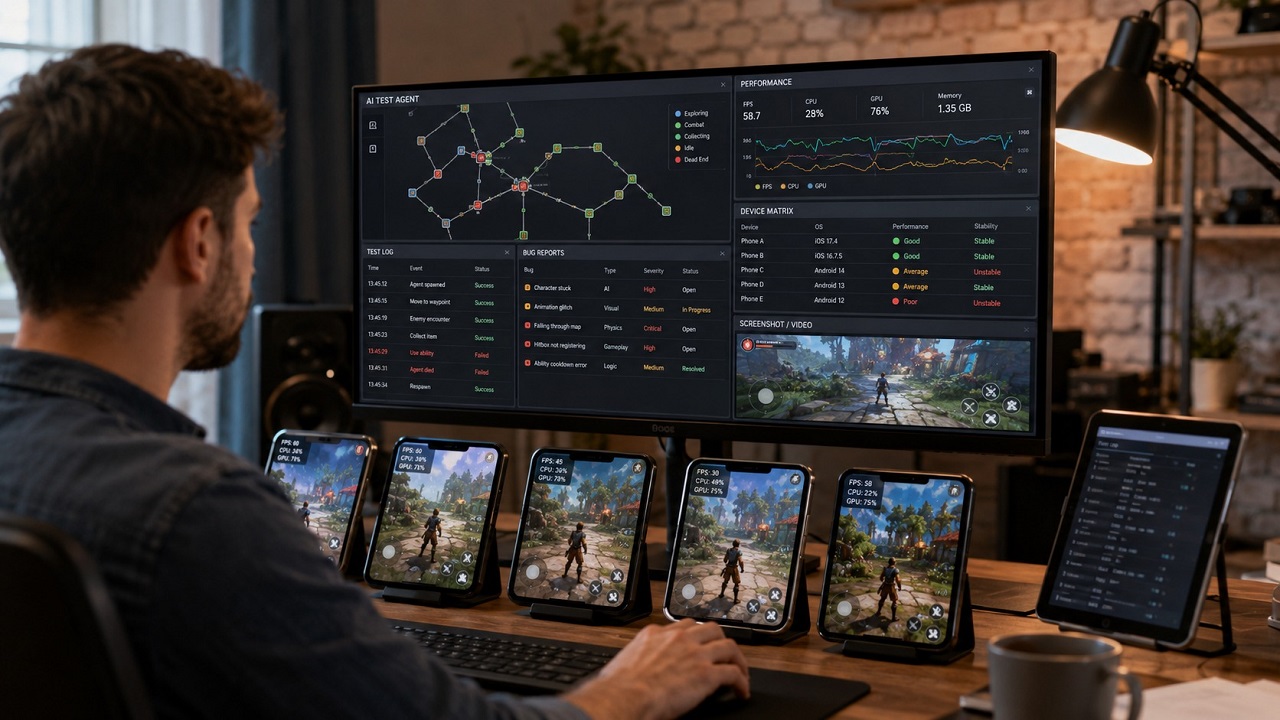
AI can help developers:
- Adapt control systems for touchscreens.
- Explain Android or iOS build errors.
- Draft tests for different screen sizes.
- Create localization templates.
- Review logs and crash reports.
- Suggest platform-specific development tasks.
AI cannot replace physical-device testing. A feature that works well inside an editor may consume too much memory, battery power, bandwidth, or processing time on a mid-range phone.
For mobile games, I believe heavy AI generation should usually remain in the development workflow. Runtime AI should only be included when it creates clear value for players and has a reliable fallback.
Can AI Improve Game Testing?
AI agents can replay sections of a game, explore routes, test combinations, detect unusual states, and run regression checks after new builds. This expands testing coverage without requiring human testers to repeat every mechanical action.
Unity ML-Agents supports automated agents trained through reinforcement learning or imitation learning. Unity lists automated game testing and pre-release evaluation of design decisions among its potential uses.
AI testing still cannot replace human playtesting. An automated agent may detect that a character is stuck, but it cannot reliably decide whether combat feels exciting, a story is emotionally effective, or a reward system feels fair.
The strongest testing strategy combines scripted tests, AI agents, analytics, and real players.
What Are the Main Risks of Games & AI?
The largest risks are unreliable output, security vulnerabilities, copyright uncertainty, inconsistent creative quality, and negative reactions from players. Developers should document AI usage and keep humans accountable for every published result.
The U.S. Copyright Office has stated that human-created elements in AI-assisted work may remain protected, while material generated without sufficient human creative control may not receive copyright protection in the United States. Rules can differ in other countries.
Distribution platforms may also require disclosure of AI-generated content included in a game. Developers should verify asset origins, review code, check licensing terms, and understand platform policies before release.
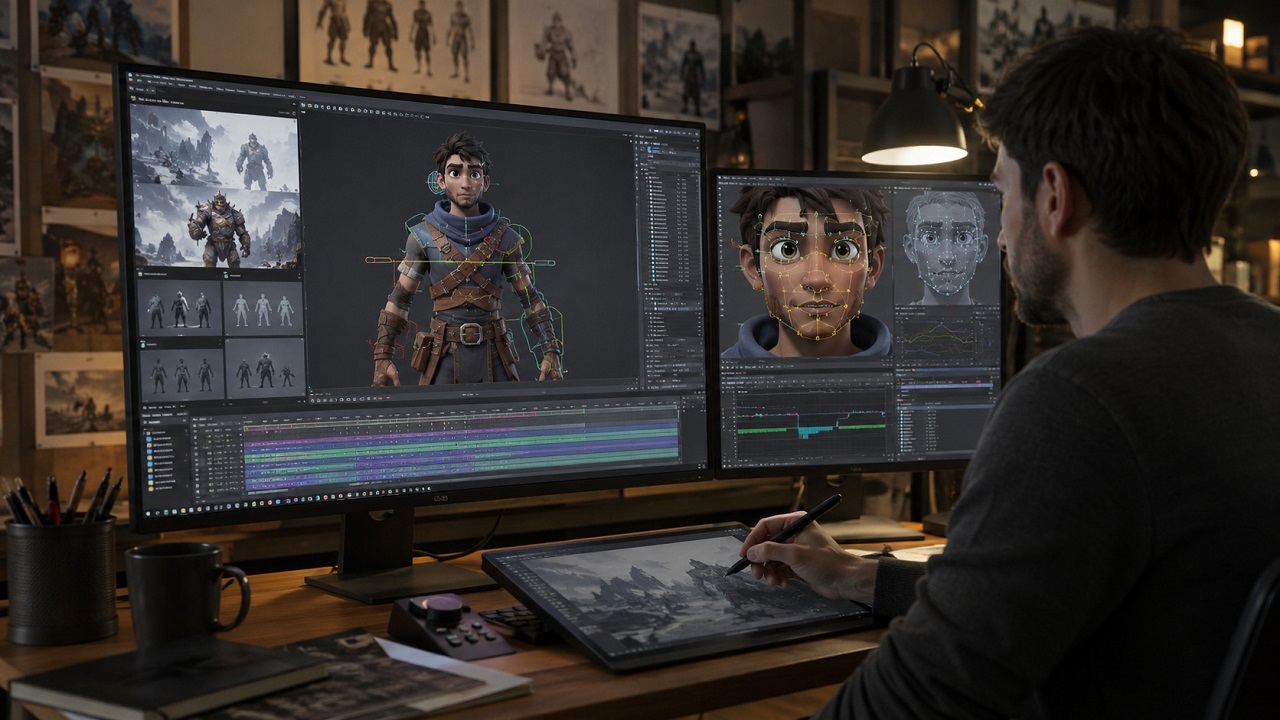
My conclusion is simple: Games & AI should be treated as a collaboration model. AI reduces friction and accelerates experimentation, while humans provide direction, judgment, responsibility, and the creative decisions that make a game worth playing.
Frequently Asked Questions
Can AI create a complete game without developers?
In my assessment, AI can assemble a basic prototype, but it cannot reliably produce a polished, balanced, secure, and legally safe commercial game without substantial human involvement.
Is AI useful for beginner game developers?
Yes. AI is useful for explaining concepts, suggesting development steps, generating sample code, and identifying basic errors. Beginners should still learn why each solution works.
Should developers use AI-generated assets in finished games?
I would only use them after checking quality, visual consistency, licensing conditions, platform rules, and audience expectations.
Is AI equally useful for Android and iOS game development?
The general productivity benefits are similar. However, Games & AI Android and Games & AI iOS projects still require separate build configuration, physical-device testing, privacy review, and store compliance.
Will AI replace game developers?
I do not believe AI will replace the complete role of a game developer. It will automate selected tasks while making creativity, technical judgment, communication, and quality control even more important.
 How To Get Robux for Free News 2026: 6 Scam Signals
 GPT-6 Astra: What OpenAI Shipped, What It Costs, and Where the Leash Is
 OpenClaude News Update: The Claude Code Fork That Started With a Leak (2026)
 Top 5 Mobile Game of the Year 2026